
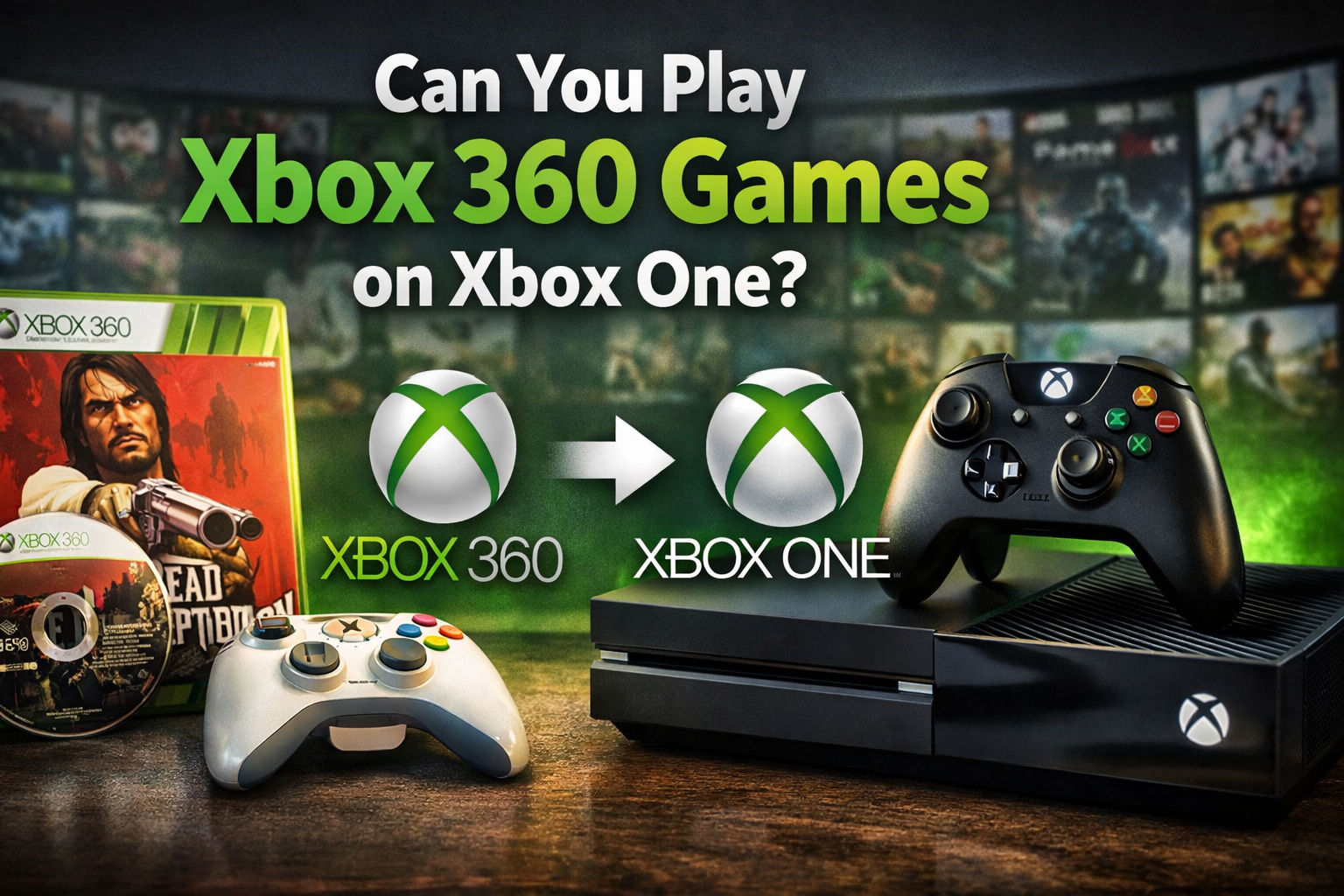

Can You Play Xbox 360 Games on Xbox One?
If you’re wondering can you play Xbox 360 games on Xbox One, the short answer is:
Yes — but only through Microsoft’s backward compatibility program, and only for supported titles.
That’s the simple version.
The complete answer is more nuanced — and if you want to avoid buying a game twice, wasting money on unsupported discs, or losing saved data, you need the full picture.
In this comprehensive guide, we’ll break down:
-
How backward compatibility works
-
Which games are supported
-
How to use discs vs digital copies
-
Limitations and performance differences
-
Troubleshooting common problems
-
Pro-level tips most gamers don’t know
Whether you’re a casual gamer, collector, or professional content creator, this guide will give you everything you need.
Understanding Backward Compatibility
Before diving into the technical steps, let’s clarify what’s happening behind the scenes.
What Is Backward Compatibility?
Backward compatibility allows a newer console to play games from an older console generation.
In this case:
-
Older console: Xbox 360
-
Newer console: Xbox One
-
Program by: Microsoft
Microsoft launched its backward compatibility program in 2015. Instead of running Xbox 360 hardware natively, the Xbox One uses software emulation tailored specifically for each approved game.
That’s why not every Xbox 360 game works.
Quick Answer (Featured Snippet Section)
Can You Play Xbox 360 Games on Xbox One?
Yes, you can play Xbox 360 games on Xbox One if the game is included in Microsoft’s backward compatibility list. Both digital and disc versions work, but unsupported games will not run.
How Xbox One Backward Compatibility Works
This is where many people get confused.
The Xbox One does NOT contain Xbox 360 hardware inside it.
Instead, Microsoft:
-
Selects specific Xbox 360 titles
-
Optimizes them individually
-
Wraps them in a custom emulator
-
Distributes a downloadable version compatible with Xbox One
When you insert a supported Xbox 360 disc:
-
The console verifies ownership
-
Downloads a compatible version
-
Uses the disc as a license key
When you own a digital copy:
-
It automatically appears in your game library
Simple — once you understand it.
Which Xbox 360 Games Work on Xbox One?
Not all Xbox 360 titles are supported. However, over 600 games are compatible.
Here are some popular examples:
Action & Adventure


-
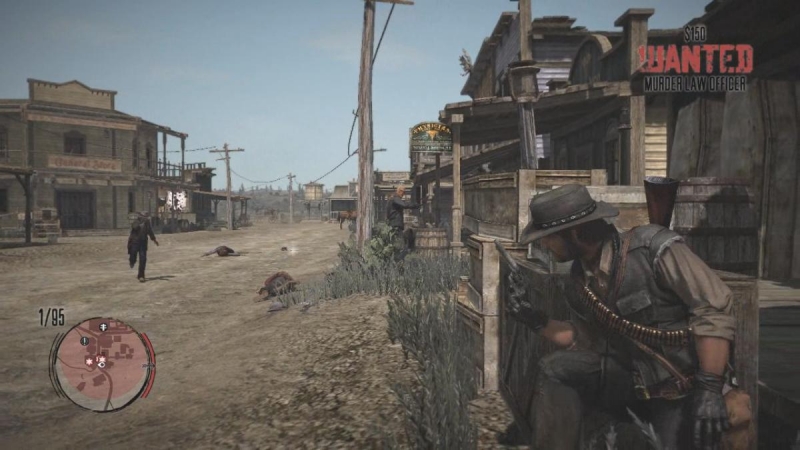
Red Dead Redemption
-
Grand Theft Auto IV
-
Assassin’s Creed II
-
Batman: Arkham City
Shooters
-
Call of Duty: Black Ops
-
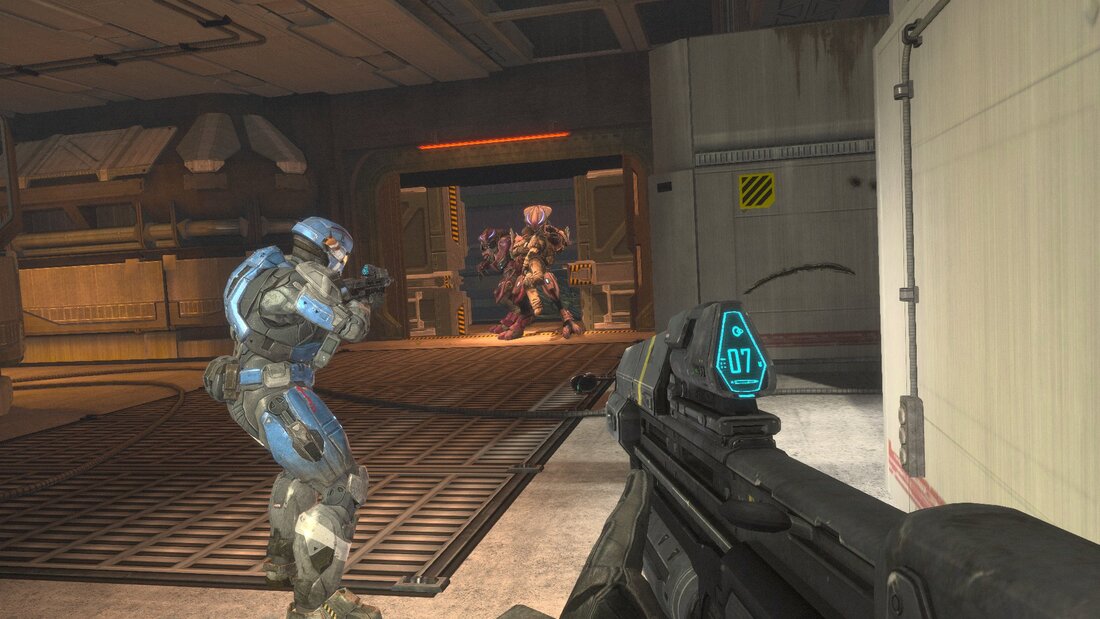
Halo: Reach
-
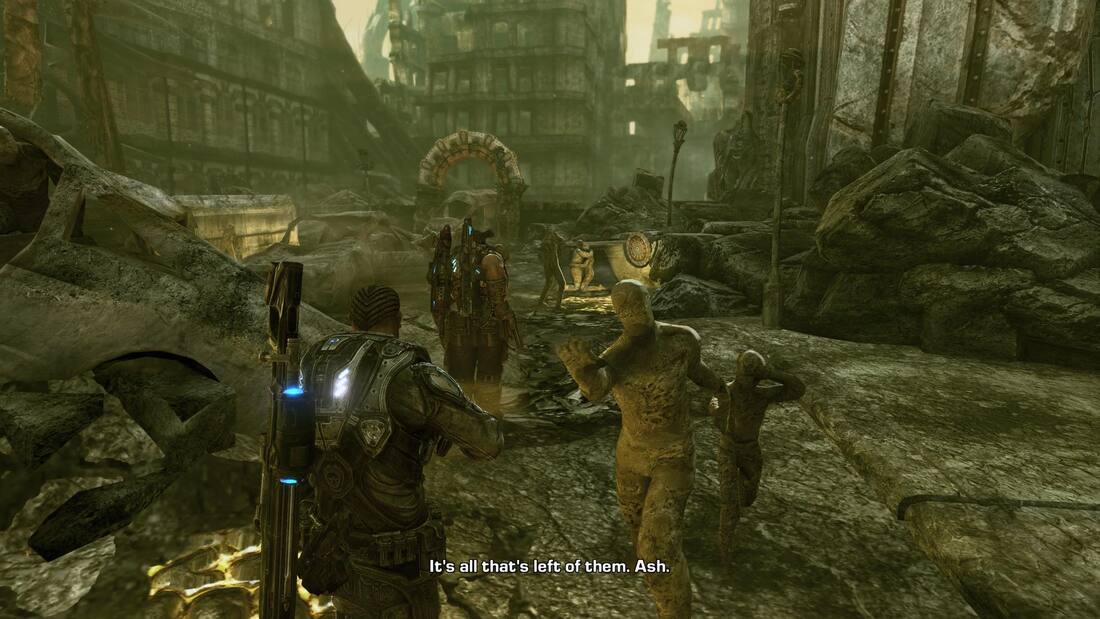
Gears of War 3
-
Battlefield: Bad Company 2
RPGs

-
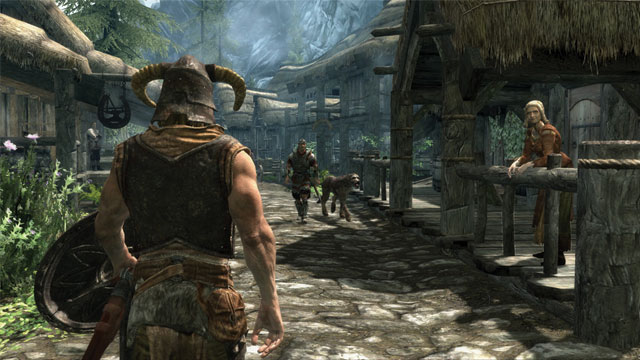
The Elder Scrolls V: Skyrim
-
Fallout: New Vegas
-
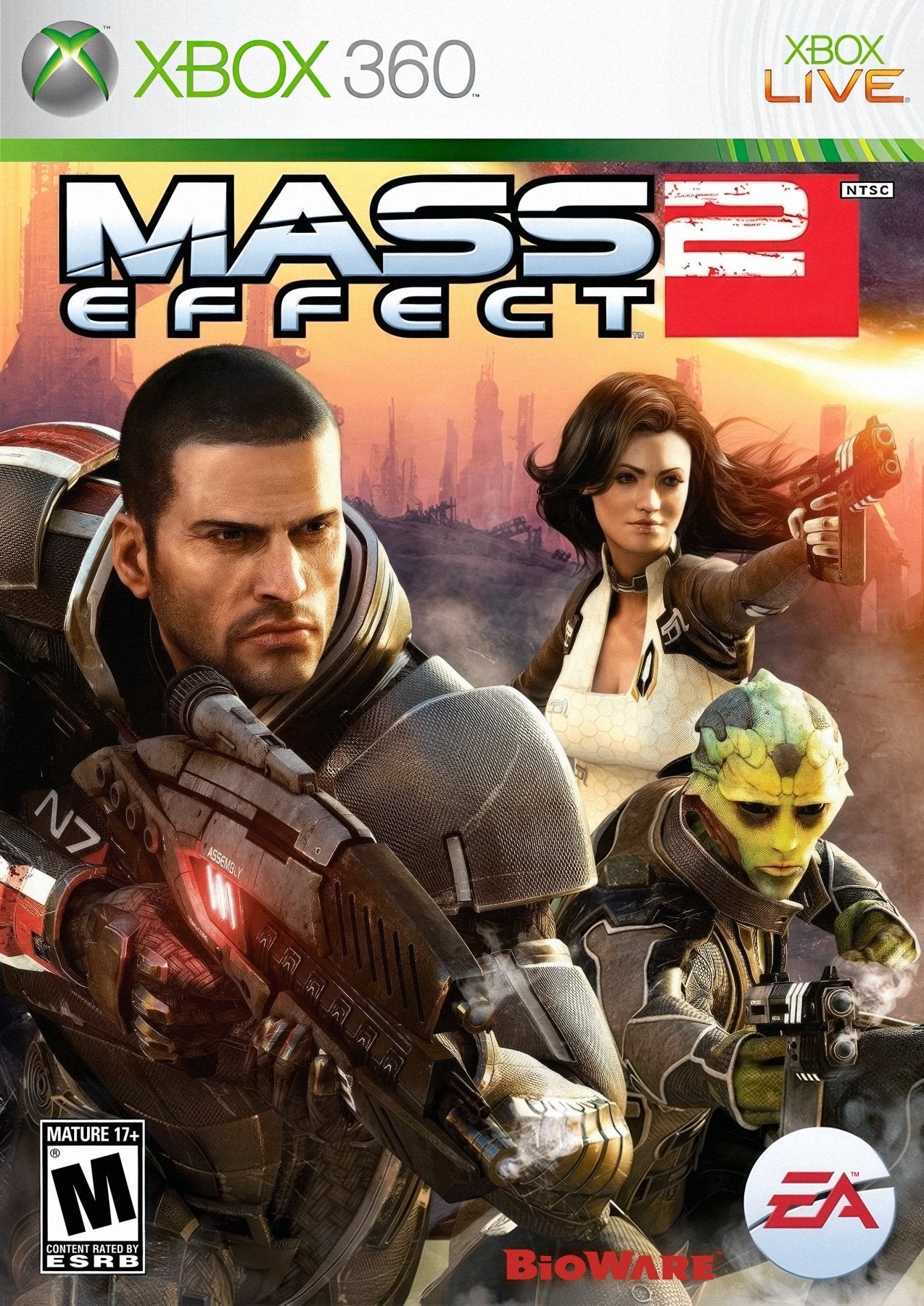
Mass Effect 2
-
Dark Souls
You can check the official compatibility list on Microsoft’s website for the complete catalog.
How to Play Xbox 360 Games on Xbox One
Let’s break it down step-by-step.
Method 1: Using an Xbox 360 Disc
Step-by-Step Guide
-
Insert the Xbox 360 disc into your Xbox One.
-
If the game is supported, the console will prompt a download.
-
Download the compatible version.
-
Keep the disc inserted while playing (it acts as proof of ownership).
Important Notes
-
The disc does NOT run directly.
-
You must install the digital compatible version.
-
Internet connection is required for initial setup.
Method 2: Playing Digital Xbox 360 Games
If you previously purchased Xbox 360 games digitally:
-
Go to “My Games & Apps”
-
Open “Full Library”
-
Select “All Owned Games”
-
Download the compatible title
No disc required.
Performance Differences: Xbox 360 vs Xbox One
Here’s where things get interesting.
Backward compatible games often run better on Xbox One than they did on Xbox 360.
Improvements May Include:
-
More stable frame rates
-
Faster loading times
-
Reduced screen tearing
-
Auto HDR (on supported displays)
-
Improved resolution for some titles
Comparison Table
| Feature | Xbox 360 | Xbox One (Backward Compatible) |
|---|---|---|
| Native Resolution | 720p | Up to 1080p (select titles) |
| Frame Stability | Variable | More stable |
| Load Times | Slower HDD | Faster |
| HDR Support | No | Yes (select models) |
| Cloud Saves | Limited | Fully supported |
This means in many cases, your old games may look and run better.
Limitations You Must Know
Even though you can play Xbox 360 games on Xbox One, there are restrictions.
1. Not All Games Are Supported
Licensing issues prevent some games from being added.
Examples of common missing titles:
-
Sports games with expired licenses
-
Music-based rhythm games
-
Titles tied to discontinued servers
2. Kinect Games
Most Xbox 360 Kinect titles do NOT work.
3. Accessory Compatibility
-
Xbox 360 controllers do not work on Xbox One
-
Some peripherals may not be supported
Do Xbox 360 Saves Work on Xbox One?
Yes — but with conditions.
If your Xbox 360 saves were uploaded to Xbox Live Cloud:
-
They will sync automatically on Xbox One
If your saves were stored locally only:
-
You must upload them via an Xbox 360 console first
Cloud saves are essential for seamless transition.
Can You Play Xbox 360 Games Online on Xbox One?
Yes — if servers are still active.
Backward compatible games use Xbox Live functionality.
You can:
-
Play multiplayer
-
Access achievements
-
Use party chat
-
Compete with players on Xbox 360
However, some older servers have been shut down.
What About Xbox Series X and Series S?
Backward compatibility extends even further.
Xbox Series X
Xbox Series S
Both consoles support Xbox 360 backward compatible titles — often with even better performance enhancements.
In fact, Xbox Series X can:
-
Run some games at 60 FPS or higher
-
Improve resolution dramatically
-
Add FPS Boost support
Physical vs Digital: Which Is Better?
| Factor | Physical Disc | Digital |
|---|---|---|
| Ownership | Requires disc | Permanent library access |
| Convenience | Must insert disc | Instant access |
| Resale | Yes | No |
| Storage | Same download required | Same download required |
For collectors, discs are great.
For convenience, digital wins.
Common Problems and Fixes
Game Not Installing?
-
Check compatibility list
-
Update console firmware
-
Ensure internet connection
-
Restart console
Disc Not Recognized?
-
Clean disc surface
-
Check for scratches
-
Test another disc
Save Data Missing?
-
Verify cloud sync
-
Re-upload from Xbox 360
-
Check Xbox Live login
Real-World Example
Imagine this:
You own a copy of Red Dead Redemption on Xbox 360.
You upgrade to Xbox One.
Instead of repurchasing:
-
Insert disc
-
Download compatible version
-
Continue playing
No extra cost.
That’s the power of backward compatibility.